Point of Sale
Mobile-first POS for markets and stores. Queue sales offline and sync when your connection returns.
Track stock, manage sales at events and stores, calculate costs, and measure what matters - all from your pocket.
From market stalls to permanent stores, OpenInventory gives you the tools to track, manage, and measure what matters.
Mobile-first POS for markets and stores. Queue sales offline and sync when your connection returns.
Track products, labels, and low-stock thresholds so you know what is on hand and what needs attention.
See revenue, costs, profit, and stock health. Compare products and locations in one place.
Map products to ingredients, manufacture finished goods, or deduct ingredients automatically at sale time.
Start free and upgrade when you need more. No hidden fees, no surprises.
Give it a try, no strings attached!
Completely free
Perfect for small businesses, market stalls and hobbyists
Billed annually ($288/year) · Save $60
OpenInventory contains the day-to-day workflows needed to sell, track stock, measure profit, and keep operations moving across events and stores.
Run a mobile-friendly register that keeps moving even when the internet does not.
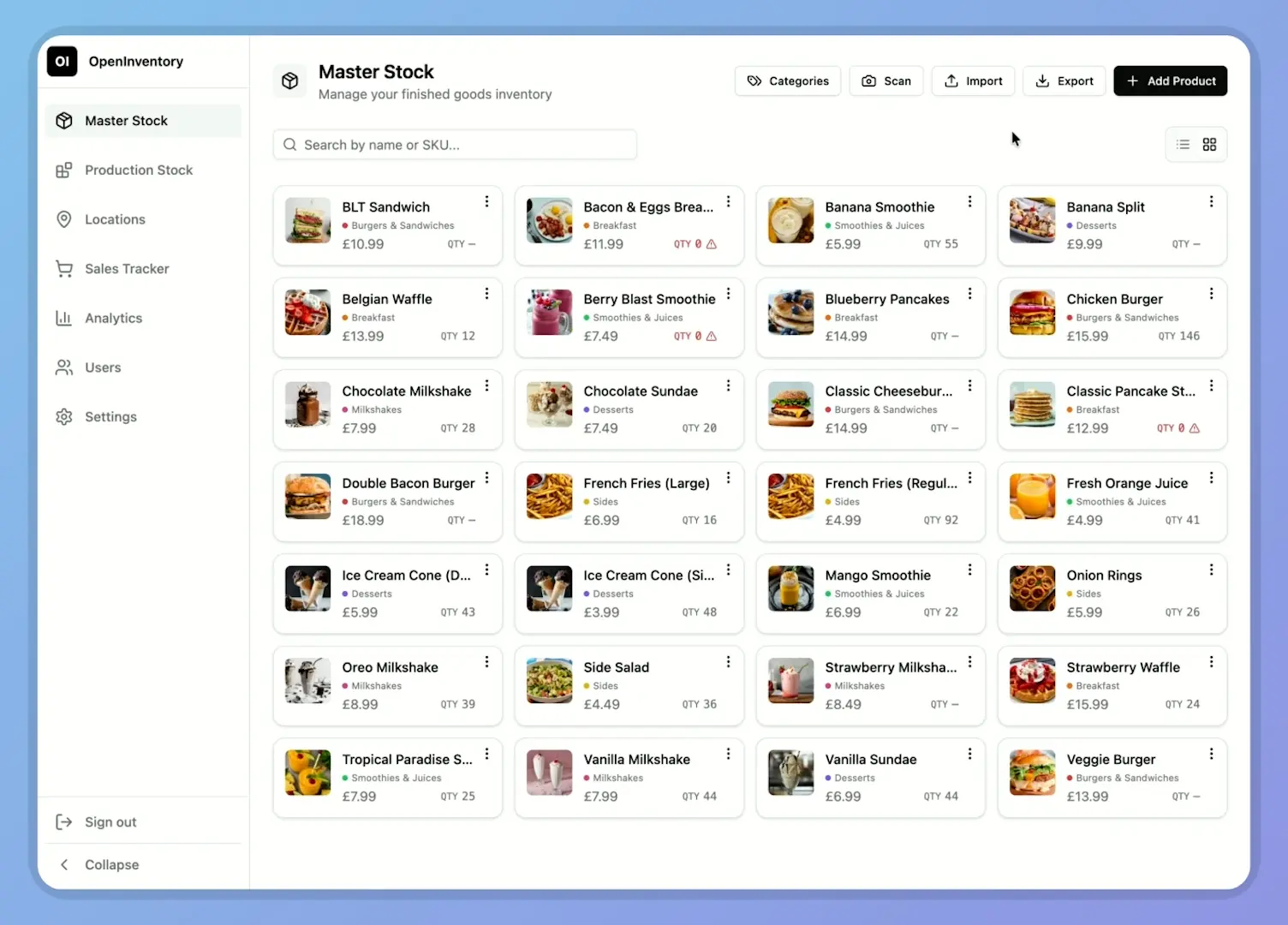
Keep products organized with clear counts, labels, imports, and low-stock visibility.
Track raw materials separately from products so your costs stay grounded in reality.
Handle the day-to-day details around events, stores, staff activity, and sales corrections.
See the numbers behind each selling day, not just raw sales totals.
Set up how your organization works, who can see what, and local preferences.
Common questions about OpenInventory and its features.
Yes. You can start on the free tier with one permanent location, unlimited products, 7 days of analytics history, and PDF exports. Upgrade only if you need things like temporary events, more team features, full history, or spreadsheet exports.
Sales can be queued locally when the connection drops and synced automatically when the device comes back online. It is built for unreliable connections, but not complete standalone offline usage.
The app retries automatically, and if a sale still cannot sync it stays visible as a failed local sale so you can retry or delete it manually. Each queued sale carries its own local ID to reduce the risk of double-posting.
You can record a sale as cash or card, but OpenInventory is not currently acting as a card processor or terminal integration.
Yes. The POS and stock forms support camera scanning for saved product codes, and the app can generate its own QR labels for products and ingredients. The current app does not provide direct printer or dedicated hardware-scanner integrations.
Yes. Finished products live in Master Stock and raw materials live in Production Stock, so you can track sellable items separately from the ingredients and costs behind them.
Yes. You can attach ingredient recipes to products and manufacture finished goods from those recipes. Manufacturing deducts available ingredients automatically and warns you when stock is short.
Yes. Recipe-based products can be marked as made to order, which means checkout deducts ingredient stock at sale time instead of drawing down finished-goods stock first.
Yes. OpenInventory supports permanent stores and temporary event locations, plus location-specific costs and tax settings.
The app tracks revenue, COGS, expenses, profit, margins, payment mix, product performance, location performance, and inventory health. You can generate PDF receipts and location reports today, with CSV and Excel exports available where your plan includes them.
Yes. Teams can use admin and staff roles, and staff access is intentionally narrower than admin access. Sales workflows are staff-friendly, while cost-sensitive areas such as production stock and analytics stay restricted.
OpenInventory is a web app accessed through your web browser, rather than a standalone native iOS or Android app.
You can contact us by email at support@openinventory.app.